Game/App Development - Emergent
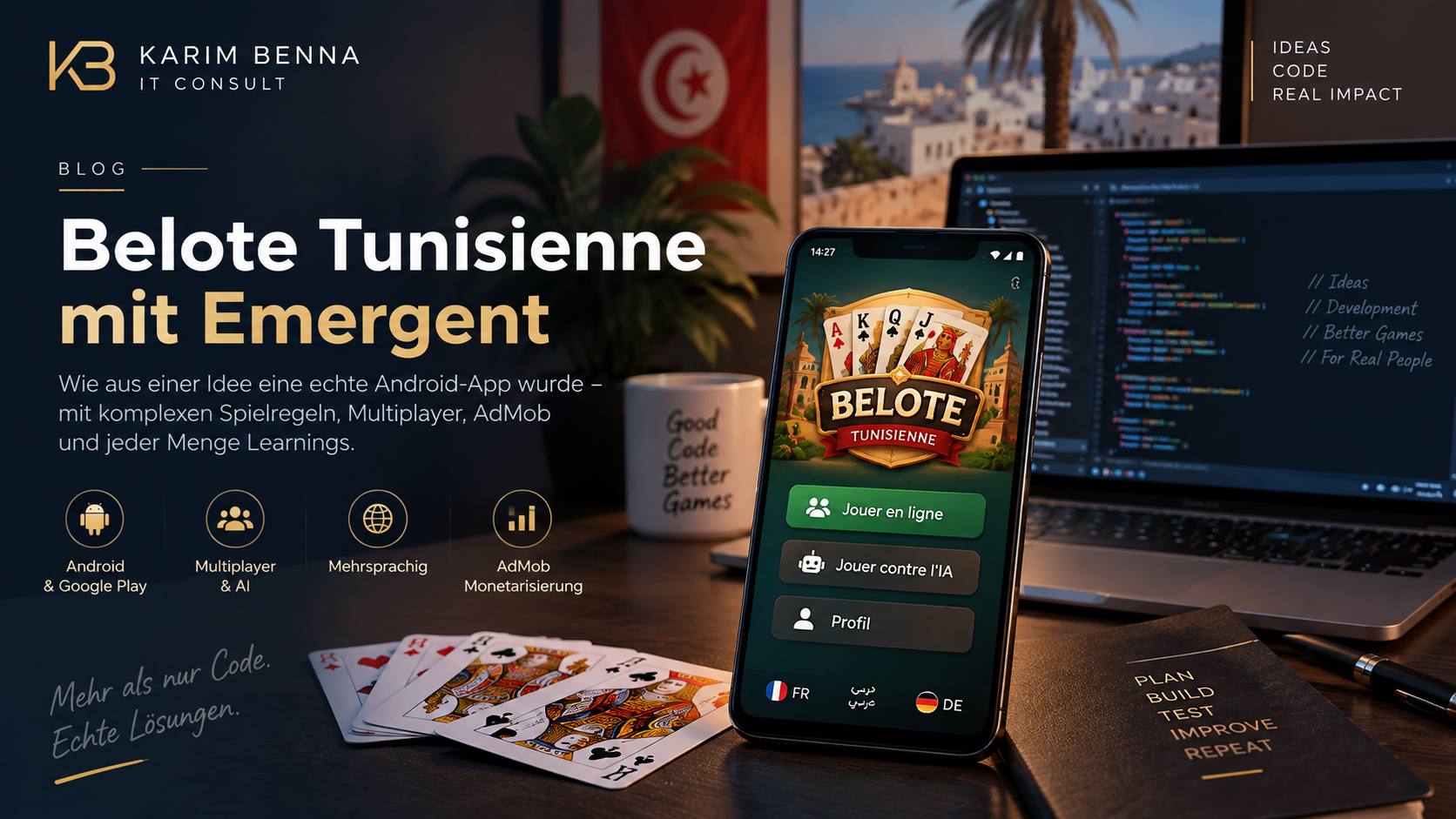
I developed an Android app for Belote Tunisienne with Emergent — including Tunisian special rules, multiplayer, AI opponents, multilingualism, AdMob, and a Google Play release. It became clear to me: AI significantly accelerates implementation, but technical understanding remains crucial. My role shifted less towards “writing code” and more towards requirements, testing, review, and architecture.
For a long time, I've wanted to build a digital version of Tunisian Belote, not just any card game with standard rules, but truly the variant many of us know: with Tunisian special cases, with Contra and Surcontra, with Capot, with Belote/Rebelote, with the typical discussions surrounding wrong cards, points, announcements, and situations that are usually solved intuitively at the table.
From this idea, Belote Tunisienne was born, an Android app that I developed with the help of Emergent.
For me, the project was particularly interesting because I come from software development myself. So I didn't just “have an app generated”; instead, I delved deeply into requirements, tests, review, logic validation, and architectural decisions. This is precisely where the project became exciting: Emergent massively accelerated the implementation, yet my technical understanding remained necessary.
Why I Built Belote Tunisienne
The main reason was simple: I wanted a true Tunisian Belote app.
Not just a card game with French or international Belote rules, but a version that is closer to what Tunisians actually play. Especially with card games, you quickly realize that “Belote” is not just “Belote.” Many rules are local, many decisions are made out of habit, and some special cases only become apparent when you try to cleanly translate them into code.
Furthermore, I also had the desire to build something unique for the Tunisian community. The app should be easily accessible, free to play, functional on mobile, and later also playable online with friends.
The Biggest Challenge: Accurately Representing Tunisian Game Rules
The most difficult part was not drawing cards on a table. The most difficult part was the game logic.
In Belote Tunisienne, there are many special cases that are often simply resolved through experience in a real game. In an app, however, every situation must be clearly defined.
Some examples:
- Contré and Surcontré
- Point values like 320 / 640
- Capot with corresponding special scoring
- Belote-Rebelote with additional point scoring
- Rounding rules
- Special cases like wrong plays or “Tfaskira”
- Redealing in case of certain extreme card distributions
- Visibility and timing during bidding
- Special logic for the last position
- Automatic playing of the last trick
The combination of rules, timing, and UI, in particular, was challenging. If a player makes a “Contre,” the other player must have the opportunity to react within a short timeframe. In a later version, a 5-second window for Contre → Surcontre or Ignore was implemented for this purpose.
The eighth trick was also automated: the last trick is played automatically and animated, without the player having to click again. At the same time, it was necessary to prevent the sound “C’est votre tour” from being played unnecessarily at that exact moment.
This may sound small at first, but it's precisely the kind of detail that determines whether a card game feels polished or not.
UI: Small Details Make a Big Difference
The user interface also required significantly more work than one might initially think.
In a card game, everything must be simultaneously visible, understandable, and calm enough. The cards, players, bids, score, chat bubbles, sounds, buttons, and modals must not interfere with each other.
During development, there were many minor UI adjustments:
- The bidding panel was visually adjusted and better aligned.
- The white selection fields in the bidding area were corrected.
- The panel's offset was reduced from 10% to 5% because 10% was visually too strong.
- The score history was made scrollable so that longer game progressions are not cut off.
- The “Yezzi!” chat bubbles were corrected so they wouldn't disappear behind other UI elements.
- A bug was fixed where the card size changed when the app went into the background and was reopened.
- A mute button was added directly in the game and synchronized with the profile settings.
These are not spectacular features, but they make the app more usable. Especially in mobile games, UI stability is extremely important. A small shift or an overlaid element can immediately disrupt the game flow.
Multiplayer and Stability
Multiplayer was one of the most critical areas.
An online card game is unforgiving. If a player briefly minimizes the app, locks their phone, has a poor connection, or enters power-saving mode, the game must not immediately break down completely.
Therefore, an important issue was the connection to the backend. Android can restrict background activity and network connections, especially when the app is minimized or power-saving mode is active. Thus, the app could not be designed to rely on a perpetually stable connection.
The solution had to be conceived more like this:
- App goes into the background
- Player is not immediately hard-removed
- Short grace period for connection interruptions
- Enable reconnect
- Resynchronize game state from the server
- Server remains the source of truth
Therefore, in one version, a connection protection was added so that players wouldn't immediately be dropped from matchmaking or ongoing games if the app briefly went into the background.
The keepalive mechanism was also revised. Additionally, explicit error logs were integrated to better understand backend problems. This was a classic point where my technical understanding remained important: one must understand whether a problem originates from the UI, the WebSocket, the backend state, Android lifecycle behavior, or a timeout.
AI Opponents and Offline Play
In addition to the online mode, AI opponents were also important. A Belote app needs a way to be meaningfully playable even without human fellow players.
AI opponents are not just about playing cards randomly. The AI must at least play according to the rules, respect the trump suit, evaluate tricks, and make decisions that don't feel completely wrong.
For me, it was important that the app became stable and correct first, before the AI appeared particularly “clever.” A perfect opponent is useless if special rules are miscounted or a game state breaks down.
Multilingualism
Belote Tunisienne should not only function in one language.
Multiple languages are available in the app, including French, German, and Arabic/Tunisian in the marketing context. For communication surrounding the app, it was important to me that it truly fit the target audience.
Especially in advertising, we worked with phrases like:
- 100 % bou blech
- telechargiha 3al Play Store
- References to 3 available languages
- French store and release texts
Also, in Google Play, I had to enter release notes in the correct format, e.g., with <fr-FR> tags. This sounds trivial, but such details also take time if you genuinely want to publish the app.
Android, Google Play, and Releases
Publishing on Android was a topic in itself.
Technically, an Android App Bundle had to be created and uploaded via the Google Play Console. Afterward came the classic steps:
- Create release
- Write release notes
- Set up a closed test
- Select countries and regions
- Manage testers
- Fill in privacy details
- Correctly link account deletion and privacy policy
- Have the app reviewed
- Publish new versions later
I went through several versions, including versions like 1.0.4 and later 1.1.0. It was interesting to see that a successful release does not automatically mean that all test devices are immediately updated. In a closed test, the tester must be logged in with the correct Google account, the app must be installed via Google Play, and updates are not always distributed automatically right away.
The Play Console itself also brings many additional topics: package names, identity verification for Android developers, store settings, data protection, app content, and test tracks. For someone without a technical or product-related background, this can quickly become confusing.
What Did the Development Cost Me?
The development was, of course, not free. The Emergent dashboard showed 4,975.27 credits spent on the project so far.
Several packages were visible on the pricing screen: 100 credits for $20, 500 credits for $100, 1,250 credits for $250, 3,000 credits for $500, and 6,000 credits for $1,000. This results in a different effective price per credit depending on the package.
Roughly, the calculated equivalent value of my consumed credits so far is between approximately $829 and $995. The lower value comes from the large 6,000-credit package, the higher value from calculating with $0.20 per credit for smaller packages.
Therefore, I wouldn't claim that the app cost me exactly sum X. What I can reliably say is: Belote Tunisienne has consumed about 4,975 credits so far.
For me, this is particularly interesting compared to traditional custom development. An app with Tunisian special rules, multiplayer, AI opponents, Android releases, AdMob, consent issues, and many UI corrections would very likely have been significantly more expensive with a traditional development team. Nevertheless, the personal effort remains high: you have to test, review, prioritize, identify errors, and cleanly manage the domain logic.
AdMob: Advertising Isn't Just “Entering IDs”
A significant part of the work also involved AdMob.
At first glance, it sounds simple: you create an app in AdMob, generate a Banner Ad Unit and an Interstitial Ad Unit, copy the IDs into the app, and you're done.
In practice, several additional issues arose:
- Test IDs vs. real AdMob IDs
- App ID in
app.json - Unit IDs in the Ads configuration
- New native build after changing App IDs
- GDPR Consent Message
- Google User Messaging Platform
- Privacy and consent dialog
- AdMob payment profile
- Linking the app to the Play Store
- app-ads.txt
- Developer website in the Google Play Store listing
A specific problem was that AdMob could not confirm the app because the developer website was missing from the Play Store listing. This prevented AdMob from correctly finding the app-ads.txt. The consequence: ads might be delivered very poorly or not at all.
For me, this was a good example that monetization isn't just an SDK topic. You need the complete chain:
Google Play Store Listing
→ Developer Website
→ app-ads.txt
→ AdMob Verification
→ Consent Message
→ Real Ad IDs
→ New Native Build